


 Kartra +
 Google Drive
Connect Kartra with Google Drive and automate your workflow.
Kartra + Google Drive Integration
When this happens
Trigger Events (37)Affiliate Signs Up for Product
Triggers when an affiliate signs up for a product.Customer Buys Product
Triggers when a customer buys product.Customer Cancels Subscription
Triggers when a customer cancels subscription.Customer Partial Refunds Product
Triggers when a customer partial refunds product.Customer Refunds Product
Triggers when a customer refunds product.JV Signs Up for Product
Triggers when an jv signs up for a product.Lead Cancels a Calendar
Triggers when a lead is cancels a calendar.Lead Clicks on a Tracking Link
Lead Completes a Calendar
Lead Completes a Sequence
Lead Completes a Video
Lead Completes Access Level
Lead Completes Survey
Lead Fills an Optin Form
Triggers when a lead fills in an optin form.Lead Is Added to Sequence
Lead Is Assigned Tag
Triggers when a lead is assigned a tag.Lead Is Granted Access to Membership
Lead Is Removed From Sequence
Lead Is Revoked Access to Membership
Lead Is Unassigned Tag
Triggers when a lead is unassigned a tag.Lead Plays a Video
Lead Reaches Score for the First Time
Triggers when a lead reaches score for the first time.Lead Registers to a Calendar
Lead Subscribes to List
Triggers when a lead is subscribed to a list.Lead Unsubscribed From List
Triggers when a lead is unsubscribed from a list.Lead Visits External Page
Lead Visits Kartra Page
New File
Triggers when a new file is created.New File (Shared Drive)
Triggers when a new file is added to a shared drive.New File (Legacy)
Triggers when a new file is created.New File in Specific Folder
Triggers when a new file(non-existing) is added to a specific folder in Google Drive.New File in Specific Folder (Legacy)
Triggers when a new file(non-existing) is added to a specific folder in Google Drive.New File In Specific Folder (Shared Drive)
Triggers when a new file is added into a specific folder (but not its subfolders) of a shared drive.New Folder
Triggers when a new folder is added.New Folder (Shared Drive)
Triggers when a new folder is create in a shared drive.New Folder in Specific Folder
Triggers when a new folder is added to a specific folder.Updated File
Trigger when a file is updated within a specific folder.Do this
Action Events (62)Add Member to Shared Drive
Adds a member to shared drive.Add Points to Lead
Add points to a specific lead.Assign Tag to Lead
Assigns a tag to a lead.Cancel a Payment Subscription
Cancels a payment transaction.Cancel Lead Subscription to Calendar
Cancels a lead subscription to a calendar.Copy a File
Creates a copy of an existing file.Create a File in a Specific Folder
Creates an empty file or an empty folder in a specified folder.Create a File or Folder
Creates an empty file or an empty folder.Create a Sub Folder
Creates an empty Sub folder.Create Folder in Shared Drive
Creates a folder in shared drive.Create Lead
Creates a new lead.Create Shared Drive
Creates a new shared drive.Create Shortcut
Create a shortcut of an existing file.Create Sub Folder in Shared Drive
Creates a sub folder in shared drive.Delete File or Folder
Delete a file or folder by ID.Delete Shared Drive
Deletes a shared drive.Get File or Folder by ID
Retrieve the details of a folder or file by its ID.Get File Upload Status
Retrieves the status of file upload by request Id.Get File Upload Status (Legacy)
Retrieves the status of file upload by request Id.Get Lead Details
Gets a specific lead details.Get Shared Drive
Gets a shared drive.Get Sub Folders of a Folder
This endpoint use to get the sub folder detail by parent folder ID.Get Subscriber Lists
List all the subscriber lists.Global Search
Search for items based on the provided details.List Folder Content
List contents of a folder.List Folder Content V2
Lists the files inside a Google Drive folder. Choose which file details to return so large folders come back in one request instead of being capped at 100 files.List Payment Subscriptions From Lead
List payment subscriptions from a lead.List Payment Transactions From Lead
List payment transactions from a lead.List Sequences
List all the sequences .List Tags
List all the tags.Move a File
Moves a file from one folder to another.Move a File into Shared Drive
Move a file from My Drive to a shared drive.Move a Folder
Moves a folder from one folder to another.Move File to Trash
Moves a file to trash.Move Folder to Trash
Moves a folder to trash.Refund a Payment Transaction
Refunds a payment transaction.Remove File/Folder Access
Removes access of a user from the file/folder.Remove Points From Lead
Remove points from a specific lead.Rename a File
Rename the existing file.Replace a File (Beta)
Replace existing file content.Search File
Search for the file by name.Search Folder
Search for the folder by name.Set File Download Restrictions
Restricts users from downloading, printing, or copying your file.Share a File
Shares a file.Share a File Advance
Share a file with selected permissions.Share a File or Folder by ID
Shares a file or folder by ID.Share a File With Anyone
Shares a file with anyone on the internet.Share File with Anyone in Shared Drive
Shares a file with anyone in shared drive.Subscribe Lead to Calendar
Subscribes a lead to a calendar.Subscribe Lead to List
Subscribes a lead to a list.Subscribe Lead to Sequence
Subscribes a lead to a sequence at a particular step.Unassign Tag From Lead
Unassigns a tag from a specific lead.Unsubscribe a Lead From List
Unsubscribes a lead from a specific list.Unsubscribe Lead From Sequence
Unsubscribes a lead from a specific sequence.Update Content in a File
Updates content in a specified file.Update Lead
Updates an existing lead.Update Shared Drive
Updates a shared drive.Upload a File
Upload files to your Google Drive root or any folderUpload a File (Legacy)
Upload files to your Google Drive root or any folderUpload a File (Legacy)
Upload files to your Google Drive root or any folderUpload File and Auto-Convert
Upload a file from a URL and auto-convert to Google Docs, Sheets, or Slides.Upload Large File (Legacy)
Upload large files upto 500MB to your Google Drive root or any folder.Frequently Asked Questions!❓
Get answers to most commonly asked questions.
What is Pabbly Connect?
Pabbly Connect is an integration application that connects multiple applications together, so that you can send data from one of your applications to another and sync your data across multiple applications. Know more here.
What are workflows?
A workflow consists of a trigger and one or more action steps involving the applications you want to integrate. A workflow can have a single trigger and one or more actions. When you turn on your workflow, the action steps will run every time the trigger event occurs.
What is a trigger?
A trigger is an event that starts your workflow. Whenever this event happens in an app, like receiving a new lead, a new order, or a new form submission, Pabbly Connect automatically begins the workflow.
What is a action?
An action is the task performed by Pabbly Connect after the workflow starts. Based on the trigger data, it carries out steps such as sending an email, creating a contact, updating a record, or performing any supported function in another app.
How does the pricing work?
The pricing plans are based on the number of tasks allotted to an account. We have plans that offer a range of task allotments, from 12,000 to 9 million tasks per month. It's worth noting that we are the only provider who doesn't count tasks for triggers and internal applications.
Can I get a custom plan?
Yes, we can provide you with custom plans if you need more than 7 million tasks per month. Please contact us at [email protected] for more information.
Will I have access to all future upgrades and integrations?
Yes, you will be eligible for all future integrations and updates at no extra cost.
Do you have an affiliate program?
Yes, you can signup here to become an affiliate and start promoting us – https://www.pabbly.com/affiliates/
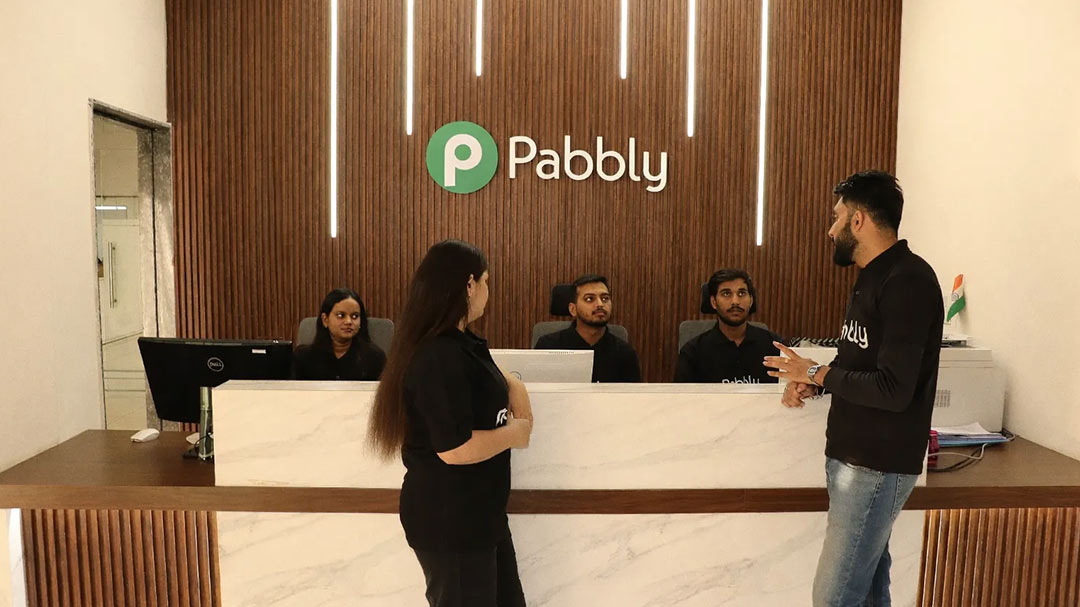
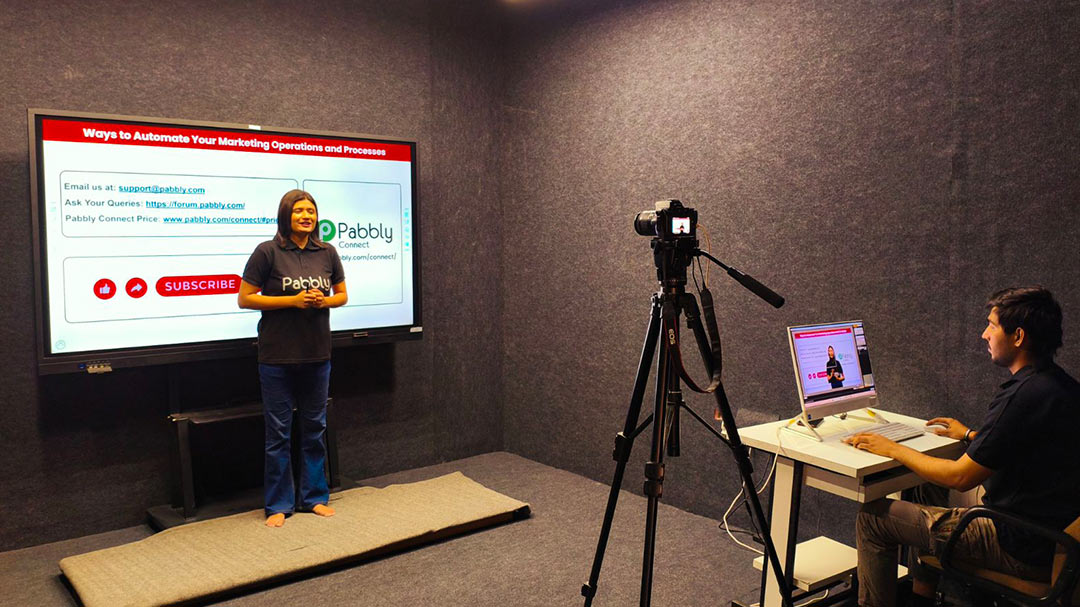
17+ Years' Legacy Behind Pabbly 😍
From starting as a training institute to teach college students, Magnet Brains - the parent company
of Pabbly grew over time into a team of 70+ amazing people.






Wave Goodbye to Your Busywork
Don't waste another minute. Create an account now and start saving more time.
Trusted by 14,099+ Businesses
30-Days Refund Guarantee
12,274+ Video Tutorials