


 deAPI +
 Pabbly Connect Manager
Connect deAPI with Pabbly Connect Manager and automate your workflow.
deAPI + Pabbly Connect Manager Integration
When this happens
Trigger Events (3)New Workflow Error
Triggers when an error occurs in a workflow.Task Usage Limit Exhausted
Triggers when the task usage limit is exhausted.Task Usage Limit Reached
Triggers when the task usage limit is reached to specific percent.Do this
Action Events (25)Add Team Member
Provide a team member access to workflows.Animate Image
Converts a still image into a short video guided by a text prompt.Change Workflow Status
Turn a workflow status ON or OFF.Create/Update Custom Variable
Create or update custom variables in Pabbly Connect account.Delete Custom Variable
Delete the custom variable from Pabbly Connect account.Edit Image
Edits existing images using text instructions and returns a temporary PNG download link.Generate Image
Generates images from text prompts and returns a temporary PNG download link.Generate Music
Generates a song or instrumental track from a text description.Generate Video
Generates a short video from a text prompt.Get Account Balance
Retrieves the current deAPI account balance.Get Custom Variable Data
Retrieves custom variable data based on the specified custom variable name.Get Job Result
Retrieves a deAPI job’s status and result using its request ID.Get Trigger Data From Task History ID
Fetch the Captured Trigger Data from Task History ID.Get Variable Values
Access Pabbly Connect's live, dynamic system and custom variables like timestamps, date/time values, and unique workflow IDs for use in any action step.Remove Background
Removes the background from an image.Revoke Custom App Access
Revokes permissions of your custom app from the user.Search Custom App
Search your account's custom app by its name.Search Workflow
Search your workflow by its name.Share Custom App
Share your account's custom app with existing Pabbly Connect users.Stop Delay Execution
Stop the Delay modules present in a Task History by Task History ID.Task Usage Summary
View which workflows are consuming the highest and lowest number of tasks.Text To Speech
Converts text into speech and returns a request ID to retrieve the audio file link.Transcribe Audio File
Transcribes audio or video files from public links.Transcribe Video Link
Transcribes video or audio links from platforms like YouTube, X, TikTok, Twitch, and Kick.Upscale Image
Upscales an image to a higher resolution.Frequently Asked Questions!❓
Get answers to most commonly asked questions.
What is Pabbly Connect?
Pabbly Connect is an integration application that connects multiple applications together, so that you can send data from one of your applications to another and sync your data across multiple applications. Know more here.
What are workflows?
A workflow consists of a trigger and one or more action steps involving the applications you want to integrate. A workflow can have a single trigger and one or more actions. When you turn on your workflow, the action steps will run every time the trigger event occurs.
What is a trigger?
A trigger is an event that starts your workflow. Whenever this event happens in an app, like receiving a new lead, a new order, or a new form submission, Pabbly Connect automatically begins the workflow.
What is a action?
An action is the task performed by Pabbly Connect after the workflow starts. Based on the trigger data, it carries out steps such as sending an email, creating a contact, updating a record, or performing any supported function in another app.
How does the pricing work?
The pricing plans are based on the number of tasks allotted to an account. We have plans that offer a range of task allotments, from 12,000 to 9 million tasks per month. It's worth noting that we are the only provider who doesn't count tasks for triggers and internal applications.
Can I get a custom plan?
Yes, we can provide you with custom plans if you need more than 7 million tasks per month. Please contact us at [email protected] for more information.
Will I have access to all future upgrades and integrations?
Yes, you will be eligible for all future integrations and updates at no extra cost.
Do you have an affiliate program?
Yes, you can signup here to become an affiliate and start promoting us – https://www.pabbly.com/affiliates/
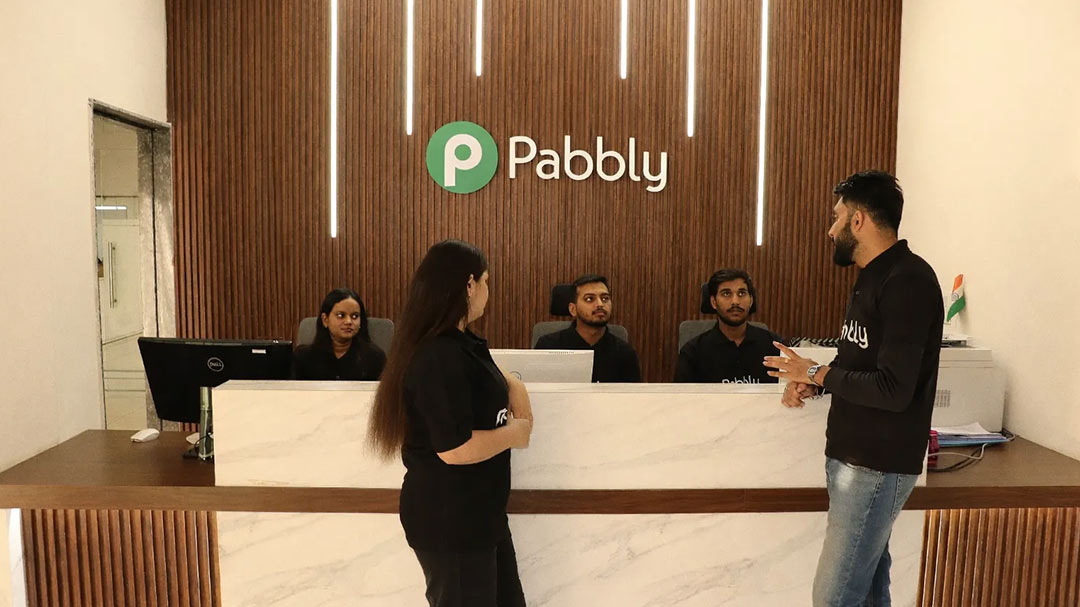
17+ Years' Legacy Behind Pabbly 😍
From starting as a training institute to teach college students, Magnet Brains - the parent company
of Pabbly grew over time into a team of 70+ amazing people.







Wave Goodbye to Your Busywork
Don't waste another minute. Create an account now and start saving more time.
Trusted by 14,099+ Businesses
30-Days Refund Guarantee
12,274+ Video Tutorials