

 Clientjoy +
 Slack
Connect Clientjoy with Slack and automate your workflow.
Clientjoy + Slack Integration
When this happens
Trigger Events (20)Invoice is Paid
Triggers when an Invoice is fully paid in Clientjoy.Invoice is Sent
Triggers when an Invoice is sent to Client.Lead Stage Is Changed
Triggers, when the Lead comes to a specified stage.New Channel (Instant)
Triggers instantly when a new channel is created in your Slack workspace.New Channel (Legacy)
Triggers when a new channel is created.New Customer
Triggers when a new customer is created.New Invoice
Triggers when a new invoice is created.New Lead
Triggers when a new lead is created.New Message (Instant)
Triggers instantly when a new message is posted in a public channel.New Message (Legacy)
Triggers when a new message is posted.New Proposal
Triggers when a new proposal is created.New User (Instant)
Triggers instantly when a new member joins your Slack workspace.New User (Legacy)
Triggers when a new slack user joins/created.New User / User Updated (Instant)
Triggers instantly when a new member joins your Slack workspace or an existing member's profile is updated.New User /User Updated (Legacy)
Triggers when a new slack user joins/is created or an existing user is updated.Payment Is Added
Triggers when a new payment record is added to Clientjoy.Proposal Is Accepted
Triggers when the Proposal is accepted.Proposal is Sent
Triggers when a Proposal is sent from ClientjoyUpdate Customer
Triggers when a customer is updated.Update Lead
Triggers when a lead is updated.Do this
Action Events (49)Add a New Activity (Todo, Meeting, Event, Etc.)
Creates a new activity on your Clientjoy Calendar.Add a Star
Add a star to a channel message.Add Reminder
Adds a reminder for the user.Archive Channel
Archives a channel.Complete Reminder
Complete a specific reminder.Convert Lead to Client
Auto converts a Clientjoy Lead to a Client in Clientjoy.Convert Proposal to Invoice
Convert your Proposal's to Invoice directly.Create Channel
Creates a new channel.Create Customer
Creates a new customer.Create Invoice
Creates a new invoice.Create Lead
Creates a new lead.Create Proposal
Creates a new proposal.Create Text File
Create a new text file.Delete Customer
Delete the specified customer.Delete File
Delete a specific file.Delete Lead
Delete the specified lead.Delete Message
Delete a message from the channel.Delete Reminder
Delete a specific reminder.Find Cutsomer
Find a customer.Find Lead
Find a lead.Get a Channel Messages (Beta)
Returns a messages from specified channel.Get Custom Fields
List the custom field of the specified module.Get File
Get specific file details by ID.Get Reminder
Fetch a specific reminder.Get Team Info
Gets information about the current team.Get User by Id
Get user details by id.Get User Profile Information
Retrieve a user's profile information, including their custom status.Get User Saved Items
List a user's saved items, formerly known as _stars_.Invite Users to Channel
Invites an existing user to the channel.Invite Users To Channel By Emails
Invites users to the channel by using email address.
Join Channel
Join to an existing channel.Leave Channel
Leaves a channel.List Reminder
Lists all reminders created by or for a given user.Lists all Channels
Lists all channels in a Slack team.Remove a Star
Remove a star from a channel message.Remove User from Channel
Remove a user from a channel.Search User by Email
Search a user by matching against their email.Send Channel Message
Send a message to your existing channel with link unfurl support.Send Channel Message (Using Block)
Send a message to your existing channel with Markdown text and Image.Send Direct Message (with Image)
Sends a direct message with Image.Send Direct Message (without Image)
Sends a direct message without Image.Set Channel Purpose
Set the purpose description of a specific channel.Set Channel Topic
Set the topic on a specific channel.Set Status
Set slack status to the given text and emoji.Unarchive Channel
Unarchives a channel.Update Customer
Updates a specified customer.Update Lead
Updates an existing lead.Update Message
Update a message in the channel.Update Profile
Update user profile fields such as name or email.Frequently Asked Questions!❓
Get answers to most commonly asked questions.
What is Pabbly Connect?
Pabbly Connect is an integration application that connects multiple applications together, so that you can send data from one of your applications to another and sync your data across multiple applications. Know more here.
What are workflows?
A workflow consists of a trigger and one or more action steps involving the applications you want to integrate. A workflow can have a single trigger and one or more actions. When you turn on your workflow, the action steps will run every time the trigger event occurs.
What is a trigger?
A trigger is an event that starts your workflow. Whenever this event happens in an app, like receiving a new lead, a new order, or a new form submission, Pabbly Connect automatically begins the workflow.
What is a action?
An action is the task performed by Pabbly Connect after the workflow starts. Based on the trigger data, it carries out steps such as sending an email, creating a contact, updating a record, or performing any supported function in another app.
How does the pricing work?
The pricing plans are based on the number of tasks allotted to an account. We have plans that offer a range of task allotments, from 12,000 to 9 million tasks per month. It's worth noting that we are the only provider who doesn't count tasks for triggers and internal applications.
Can I get a custom plan?
Yes, we can provide you with custom plans if you need more than 7 million tasks per month. Please contact us at [email protected] for more information.
Will I have access to all future upgrades and integrations?
Yes, you will be eligible for all future integrations and updates at no extra cost.
Do you have an affiliate program?
Yes, you can signup here to become an affiliate and start promoting us – https://www.pabbly.com/affiliates/
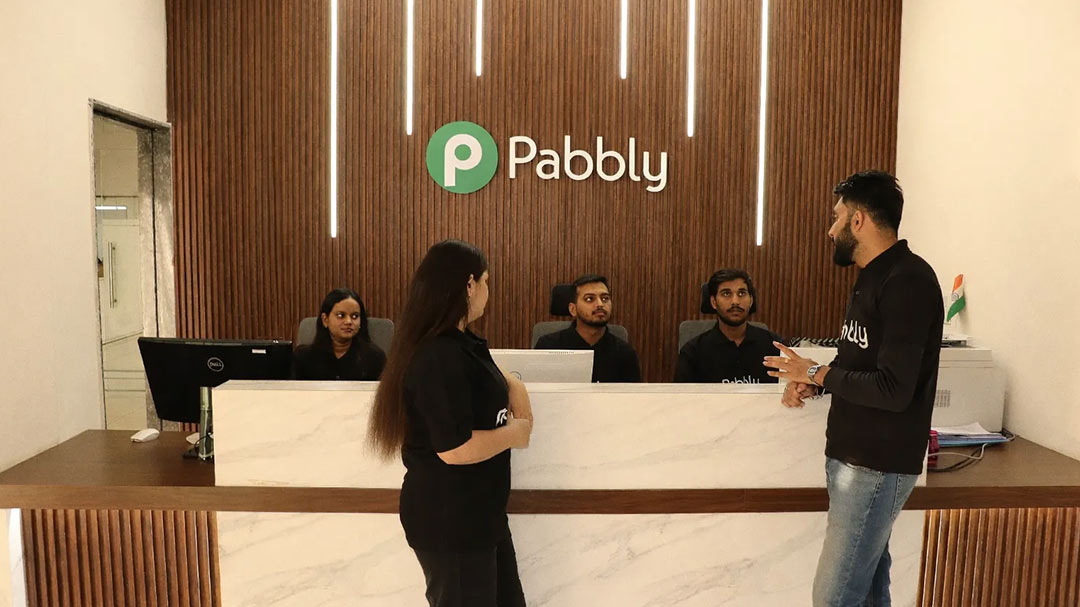
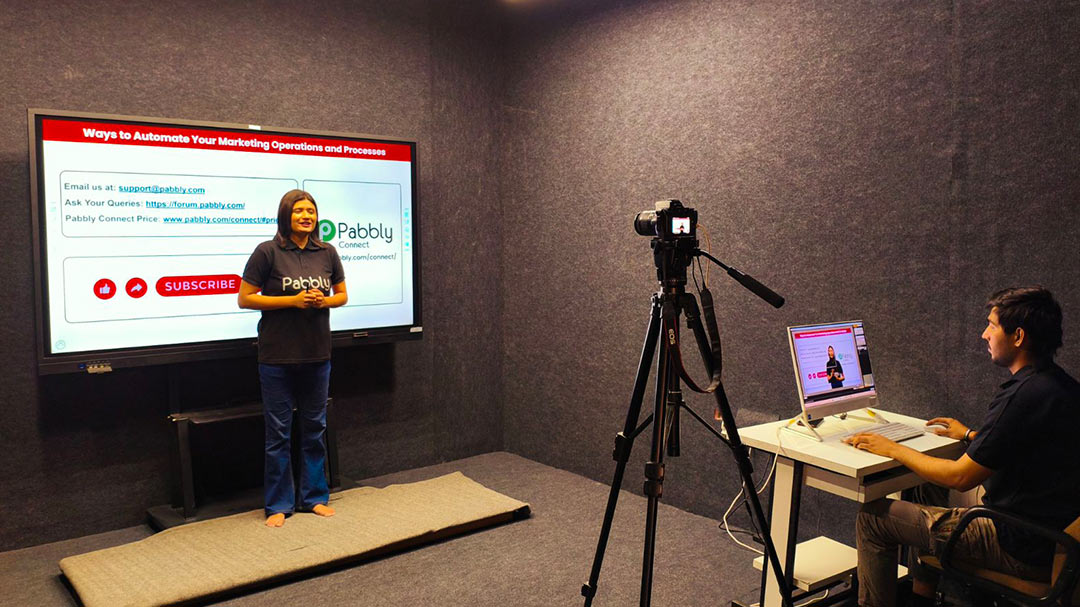
17+ Years' Legacy Behind Pabbly 😍
From starting as a training institute to teach college students, Magnet Brains - the parent company
of Pabbly grew over time into a team of 70+ amazing people.






Wave Goodbye to Your Busywork
Don't waste another minute. Create an account now and start saving more time.
Trusted by 14,099+ Businesses
30-Days Refund Guarantee
12,274+ Video Tutorials